English
 Español
 Français
 Deutsch
 Polski
 Türkçe
 Русский
 简体中文
简体中文Related Solutions: Automatic Pallet Changers & Zero-Point Systems
Where it fits: Industry applications worldwide
Aerospace & precision components
Micron-level consistency matters. With repeat positioning accuracy of ±0.02mm (gantry/rotary library) and a quick-change reference chuck precision of <0.003mm, the system supports stable machining of complex aerospace parts—ideal for lights-out runs.
Automotive & EV components
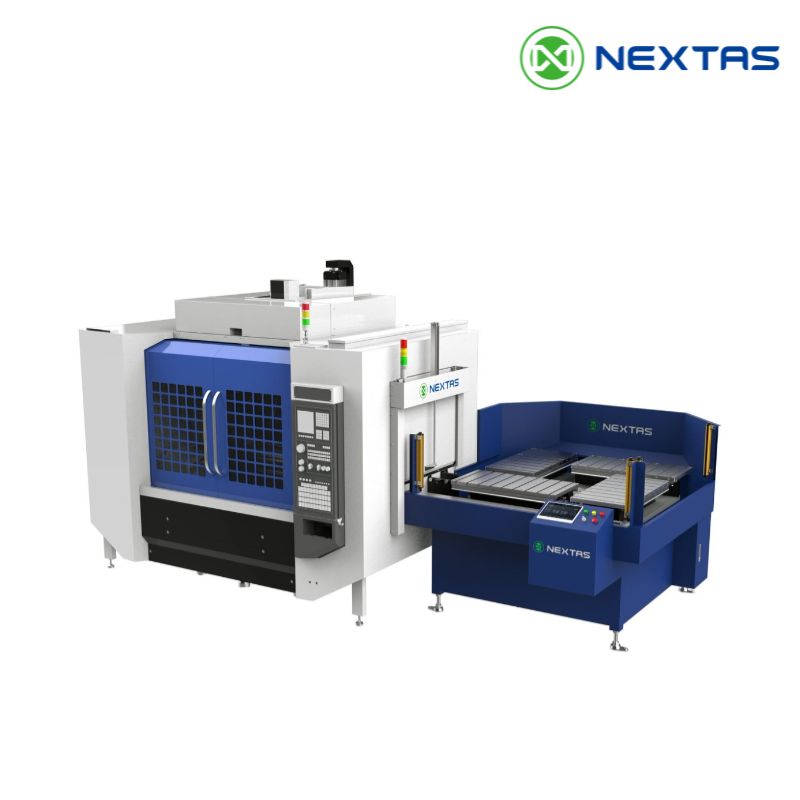
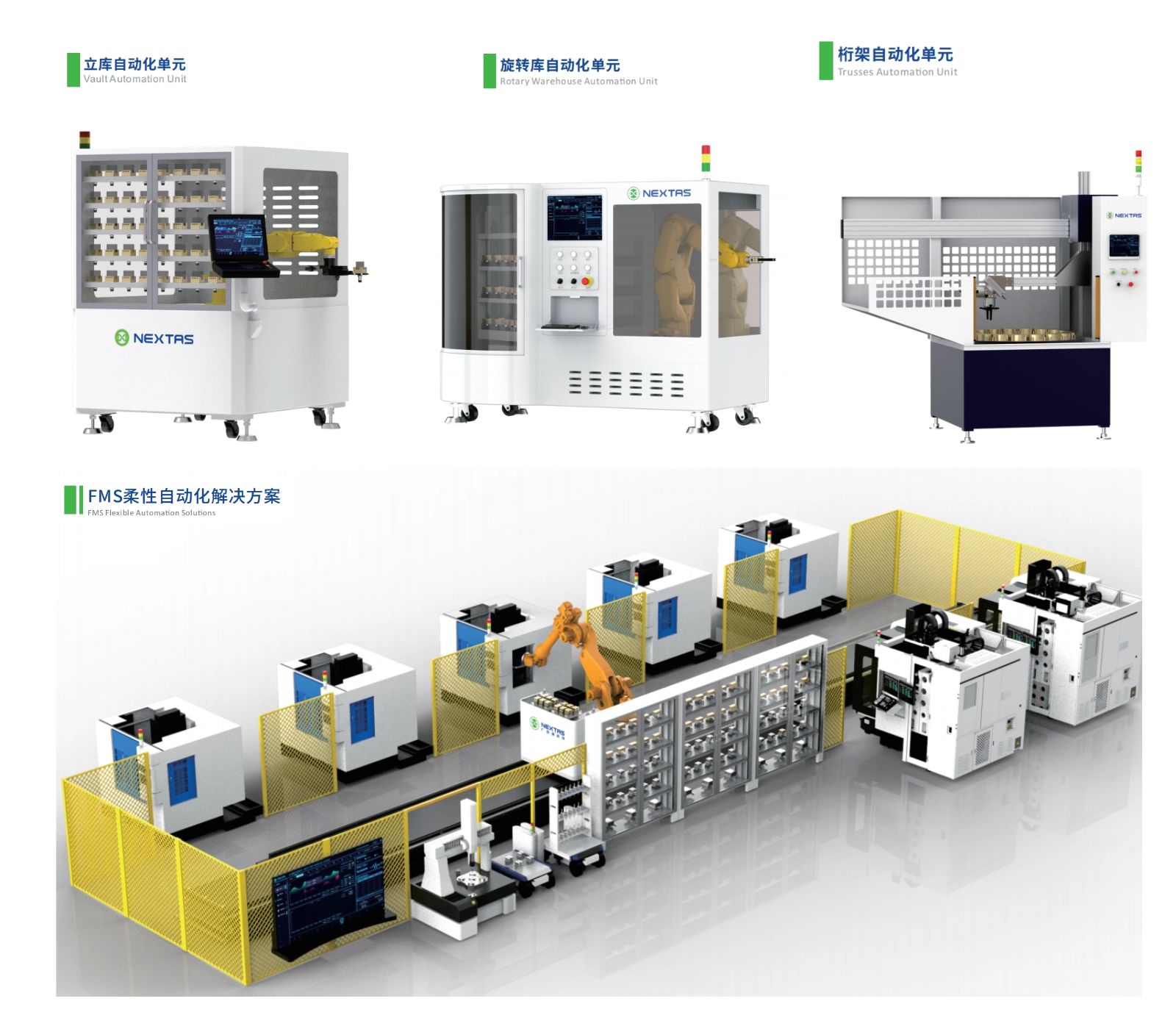
For high-volume machining, the “one-to-two” and “one-to-three” layouts—where a single automation unit serves two or three CNC machines—reduce idle time and keep spindles cutting. With up to 15kg workpiece handling and parts under 200mm, it’s a strong fit for EV and automotive production cells.
Medical device & micromachining
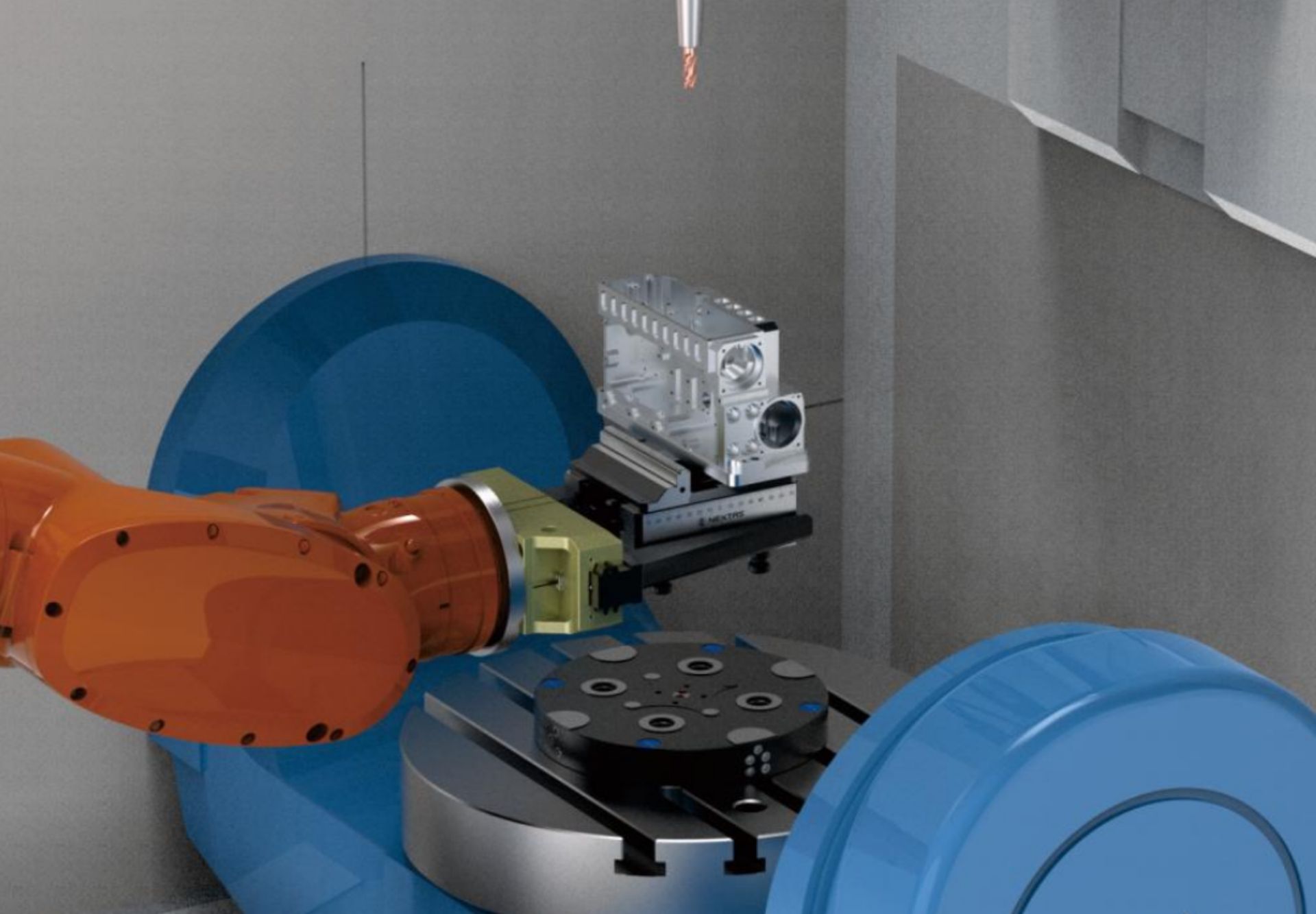
When people can’t be in the loop, process repeatability must be. Optional 6-axis industrial robots and intelligent anti-collision (infrared sensing + RFID) reduce human error and protect parts during delicate handling.
Mold & die and custom parts
High-mix shops need fast changeovers. The cellular design supports non-standard parts and even single-piece production. Choose a 180-station rotary library for longer unattended cycles or a compact truss layout for space-limited workshops.
General engineering & SMEs
Modular deployment means “start small, scale fast.” You can automate one cell without overhauling your whole line—making ROI and staffing improvements reachable for small and mid-sized plants.
Core strengths that move the needle
Precision you can trust
Repeat positioning accuracy: ±0.02mm (gantry/rotary) and ±0.03mm (truss). Combined with the <0.003mm quick-change reference chuck, it keeps batch-to-batch quality stable.
Compatibility with mainstream CNC controls
Designed to integrate with Mitsubishi, FANUC and other common control systems—so you can automate without replacing your machining centers.
Unattended production built in
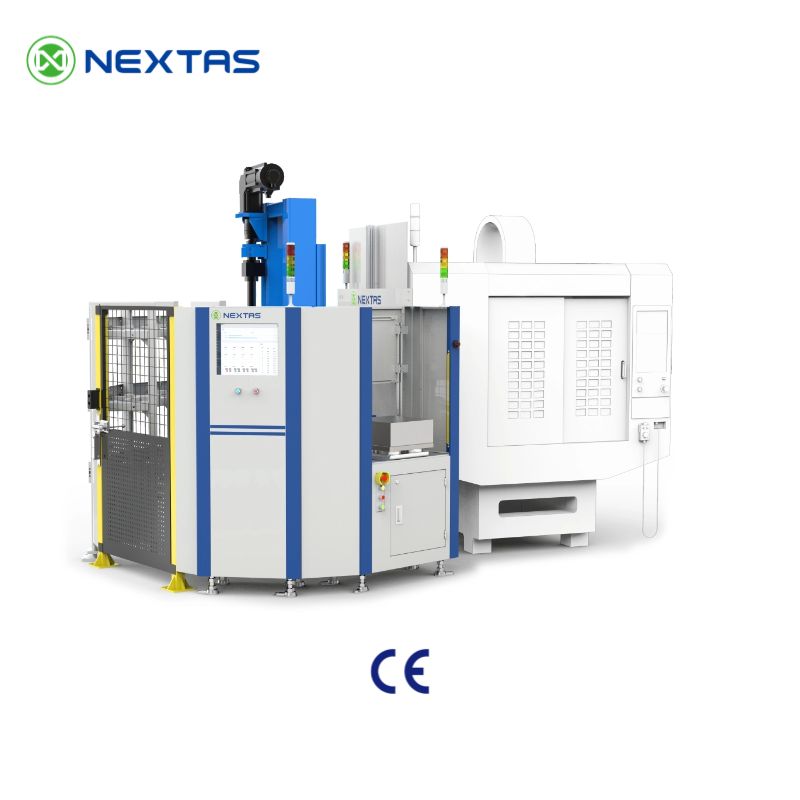
Rotary library units provide up to 180 racking stations. Truss options support customizable carousel magazines. Together, they enable long lights-out shifts and weekend runs.
Fast payback economics
By reducing loading/unloading labor and keeping machines utilized, many installations target ~1-year ROI—especially where labor is tight and utilization is low.
Industry 4.0 connectivity
MES/ERP integration enables real-time data collection and visualization; PLC + touchscreen operation keeps the shop-floor experience simple.
Solving the real CNC pain points
Labor shortages and skill gaps
Automated part handling reduces dependence on scarce skilled operators, while maintaining output around the clock.
Inconsistent quality from manual handling
High-repeat positioning plus anti-collision features reduce scrap and protect fixtures, parts, and spindles.
Machine idle time
Automated workflows cut waiting time around setups, breaks, and changeovers—improving utilization dramatically.
High operating costs
Fewer operators per machine group, less scrap, and energy-efficient operation lower per-part cost.
Automation for small batches
Cell-based design and quick-change tooling help keep automation practical even for high-mix production.
Global readiness & support
Worldwide availability
The 2026 standalone automation system is positioned for global deployment with compliance support (e.g., CE/ISO) and a service network for training, maintenance, and troubleshooting.
Conclusion
If your machining centers are capable but your throughput is limited by loading, changeovers, and staffing, standalone automation is the fastest path to a meaningful step-change. Nextas’ 2026 system combines precision, flexible layouts, and digital connectivity—so you can scale from one cell to a multi-machine automation cluster with confidence.
Contact Nextas to evaluate the best configuration (gantry, rotary library, or truss) for your CNC machining center and production mix.
What to confirm before you automate the first cell
The best first project is usually not the most complex part family. It is the one with enough cycle time to justify automated loading, enough stability in the blank condition, and enough demand to keep the cell busy week after week. In practice, that means reviewing part size range, gripping surfaces, machine access, spindle cycle time, and how often operators currently interrupt production for loading or fixture exchange.
It also helps to decide whether the automation objective is labor reduction, extra spindle hours, safer handling, or faster workholding changeovers. The answer influences whether a gantry, rotary library, or truss-style configuration is the better fit. A well-scoped first cell should solve one measurable bottleneck cleanly rather than trying to automate every exception on day one.
Send these inputs for a faster automation review
- Machine model, table size, control brand, and available I/O or handshake method.
- Part family dimensions, raw blank condition, finished weight, and target takt time.
- Existing workholding stack-up, fixture height, and any access limits for probes or tools.
- Preferred unattended window: lunch breaks, night shift, or weekend production.
- Traceability, MES/ERP, barcode, or pallet-ID requirements for the cell.
- Recovery priorities: what should happen if a pallet is missing, unclamped, or mis-seated.
A practical rollout path for most shops
Many successful deployments begin with one machine and one part family, then expand the same zero-point interface or pallet logic to adjacent machines after the first cell proves stable. That approach keeps training, spare parts, and troubleshooting manageable. Once clamp confirmation, pallet presentation, and changeover routines are standardized, scaling to a second or third machine becomes much easier than starting over with a different automation concept each time.