Enter your email address to request the brochure. Due to time zone differences, we’ll email it the next business morning (GMT+8, Beijing Time).
R-Series Manual Chuck
Robust Precision, Simplified.
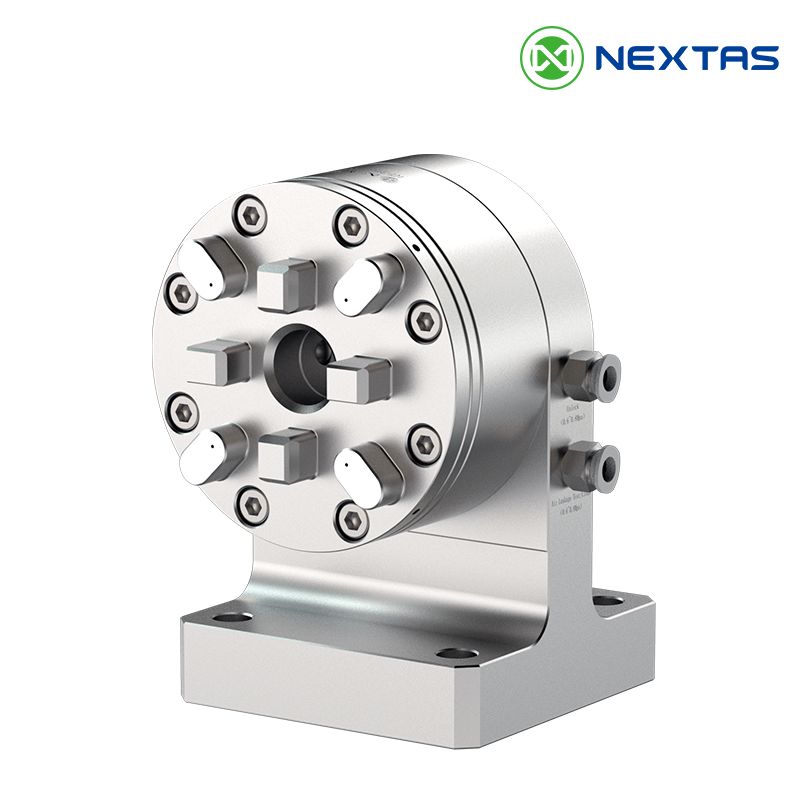
The NextasTech R-Series Manual Chuck provides a reliable, high-precision foundation for your workshop. Fully compatible with the System 3R tooling standard, this chuck offers exceptional versatility for job shops and production environments alike. Its simple, robust manual clamping mechanism ensures a secure grip and excellent repeatability without the need for pneumatic or hydraulic lines, making it perfect for quick setups on any machine.
Core Advantages
- High Repeatability: Achieves a positioning accuracy of ≤0.005mm, allowing for confident transfer of workpieces between setups and machines.
- Simple Manual Clamping: Fast and secure clamping with a single lever or key. No need for external power sources, simplifying installation and use.
- System 3R Compatibility: Designed to seamlessly integrate with the widely used System 3R standard, including pallets, holders, and electrodes.
- Hardened & Ground Body: Constructed from high-quality tool steel, hardened and precision-ground for maximum durability, rigidity, and a long service life.
Product Details
Discover the engineering and design behind the R-Series Chuck.
Precision Clamping, Effortlessly
The NextasTech R-Series Chuck simplifies precision workholding. The manual clamping mechanism is straightforward yet powerful. A simple turn of a clamping key actuates the internal locking system, drawing the reference element (pallet or holder) securely against the Z-reference faces. This direct mechanical action provides excellent tactile feedback and ensures a consistently strong and stable clamp, giving the operator full confidence in the setup. The design eliminates the complexity of air or hydraulic lines, making it exceptionally easy to install and move between different machines.
Engineered for Versatility
Manufactured from high-grade tool steel and hardened for wear resistance, the R-Series Chuck is built to last. Its low-profile design provides excellent access for tools and spindles, making it suitable for a wide range of applications, from vertical milling to sinker EDM. The universal System 3R-compatible interface means you can standardize your workholding across the entire workshop, streamlining your processes and reducing the need for multiple, disparate systems.
Technical Specifications
| Parameter | Specification (Model Example: NEX-R80M) |
|---|---|
| Compatibility | System 3R (MacroMagnum, etc.) |
| Repeatability | ≤0.005 mm |
| Clamping Power | ~8000 N |
| Actuation | Manual, with clamping key/lever |
| Required Torque | ~20 Nm |
| Indexing Positions | 4 x 90° |
| Body Material | Hardened Tool Steel |
| Weight | 5.0 kg |
Selection & Integration Guide
Practical tips to choose the right R‑Series manual chuck and keep System 3R compatibility & repeatability consistent across CNC, EDM, and inspection.
How to choose the right model for your workflow
Most shops select an R‑Series chuck based on the pallet/reference element format, the workpiece size, and the type of operation. If you’re standardizing workholding across multiple machines, align your chuck choice with the pallets and holders your team already uses (e.g., System 3R MacroMagnum style). For high‑mix work, manual clamping is often preferred because it’s fast, reliable, and doesn’t require air or hydraulic lines.
- •EDM electrodes: stable referencing and easy swaps for sinker EDM / EDM electrode management.
- •CNC milling setups: low profile for better tool access and shorter stick‑out.
- •Inspection (CMM/fixture checking): keep the same datum and reduce re‑clamping error.
- •Offline presetting: build pallets outside the machine to reduce spindle downtime.
Integration tips for CNC, EDM, and automation cells
The R‑Series chuck is commonly mounted on fixture plates, sub‑plates, or machine tables so you can standardize a single reference system. For shops running automation, manual chucks are frequently used as setup stations or backup workholding when you want a robust, power‑free clamp that still matches your reference pallets.
CNC milling & drilling
Use the chuck as a repeatable base for high‑mix parts, prototypes, and small batches. The keyed manual actuation makes it easy to swap pallets between a VMC and a 5‑axis trunnion fixture plate without complex plumbing.
EDM & electrode workflows
Keep electrodes and holders organized with a consistent reference. This reduces electrode offset surprises and helps operators keep repeatability when moving between sinker EDM, milling, and measurement.
Datum & repeatability control: keep System 3R setups consistent
If you use an R‑Series manual chuck as a System 3R compatible base for CNC milling, EDM electrodes, or CMM transfer, these controls help protect repeatability across re‑clamps.
| Factor | What you’ll notice | Best practice | Why it matters |
|---|---|---|---|
| Dirty reference faces (chips/coolant) | Z shifts, slight tilt, inconsistent seating | Wipe + air blast; cover reference faces when idle | Most common cause of repeatability loss |
| Inconsistent clamping torque | Different runout after re‑mount / measurement transfer | Standardize the key method; use a torque-limited handle if needed | Stable seating = stable datum |
| Burrs/dings on pallet or adapter | ‘High spot’ feel, rocking, marks on faces | Deburr; use handling trays; avoid impacts on locating surfaces | Protects the reference geometry |
| Jaw wear / wrong jaw material | Micro-slip or part distortion during cutting | Match hard/soft jaws to material; maximize grip length | Prevents part movement & distortion |
| Corrosion/contamination (EDM environment) | Sticky actuation, poor seating over time | Light rust inhibitor; periodic cleaning and inspection | Keeps long-term reliability |
Tip: record a simple baseline (runout/parallelism) after initial setup, then re-check after the first 10–20 changeovers to confirm stability.
Application Fields
Versatile solutions for a wide range of machining tasks.
EDM & Milling
Its robust build handles milling forces, while its precision is perfect for setting up electrodes and workpieces for EDM operations.
Job Shops & Prototyping
Ideal for high-mix, low-volume work. The manual chuck allows for extremely fast and precise changeovers between jobs.
Quality Control & Inspection
Move workpieces directly from machine to inspection, ensuring consistent measurement results with the same reference system.
Offline Setup
Mount workpieces onto pallets at a separate station while the machine runs, making swaps quick and simple to maximize uptime.
Where the R‑Series manual chuck fits best
If you’re searching for a System 3R compatible manual chuck that supports quick changeovers, the R‑Series is a strong choice for high‑mix production. It’s especially popular in job shops that run both EDM and milling, because the same pallet reference can travel from machine to inspection with minimal re‑zeroing.
High‑mix job shops
Fast setups for prototypes and small batches, with a reliable manual clamp and consistent datums.
Offline setup stations
Prepare pallets while machines run—then swap in seconds to boost spindle utilization.
Inspection & quality control
Move workpieces to CMM or gauges using the same reference system to reduce measurement variation.
Real-World Case Studies
EDM electrode & holder standardization
An EDM shop standardized electrodes on System 3R style holders and used the R‑Series manual chuck as the common reference across milling, EDM, and inspection. Operators reduced re‑touching time and kept offsets more consistent across shifts.
High‑mix CNC changeovers
A job shop running short batches mounted the chuck on a fixture sub‑plate. Pallets were prepared offline, then swapped quickly on a VMC—cutting setup time without adding pneumatic/hydraulic complexity.
Machine‑to‑CMM transfer
By keeping the same datum reference from machining to inspection, a quality team reduced measurement scatter caused by re‑clamping. This is a common workflow when tight positional tolerances matter.
Implementation & Acceptance Plan
Use this rollout plan to standardize an R‑Series manual chuck across high‑mix CNC, EDM, and inspection—especially when you’re consolidating around a System 3R (MacroMagnum) reference workflow.
1) Quick selection matrix for high‑mix CNC & EDM
A practical way to align the chuck, pallet format, and jaw strategy with your real workflow (no guesswork, no duplicated steps).
| Workflow | Primary goal | Recommended setup | Notes |
|---|---|---|---|
| EDM electrode management | Stable reference + fast swaps | System 3R pallet standard + dedicated electrode holders | Treat as a shared datum across EDM → milling → inspection |
| High‑mix CNC changeovers | Reduce spindle downtime | Offline preset pallets + repeatable base on sub-plate | Prepare jaw sets by part family |
| CMM / inspection transfer | Protect measurement datum | Standard torque method + clean reference discipline | Focus on seating consistency over clamp force |
| Prototype / small batches | Maximum flexibility | Soft jaws (machined) + quick jaw swaps | Control distortion with grip length & support |
Long-tail fit: manual chuck for CNC milling, System 3R compatible chuck, EDM electrode quick-change workholding.
2) Acceptance tests for repeatability & seating
Run these checks once at commissioning and again after initial production to verify your process—not just the product spec.
| Test | What to record | Tools | Pass criteria (process-based) |
|---|---|---|---|
| Re-clamp repeat check | Indicator reading after 5–10 re-mounts | Dial indicator + reference pin/pallet | Variation stays within your internal tolerance |
| Face seating check | Contact pattern / no rocking | Blueing / feeler check | Uniform contact on reference faces |
| Runout trend | Runout before/after jaw change | Indicator on workpiece or test bar | No drift beyond baseline after controlled torque |
| Operator method audit | Torque approach consistency | Work instruction + sample observations | Method is repeatable across operators |
If you want, we can provide a one-page acceptance sheet that matches your parts, machine table, and datum scheme.
3) Maintenance & calibration schedule
Simple routines that preserve repeatability for a manual quick-change chuck in real shop conditions (coolant, chips, EDM residue).
| Interval | Action | Why it matters | Consumables |
|---|---|---|---|
| Each shift | Clean reference faces + light oil wipe | Prevents seating errors | Lint-free wipes, air gun, light oil |
| Weekly | Inspect for burrs/dings; check jaw fasteners | Stops drift early | Stone/deburr tools, torque wrench |
| Monthly | Verify baseline indicator check | Confirms system stability | Indicator, reference pin/pallet |
| Quarterly | Deep clean; inspect actuation wear points | Avoids sticky clamping | Cleaner, rust inhibitor |
Avoid aggressive abrasion on locating faces—protect the geometry first.
4) Troubleshooting guide (fast on the shop floor)
Common symptoms and quick fixes for manual chucks used in standardized pallet workflows.
| Symptom | Likely cause | Quick fix | Prevention |
|---|---|---|---|
| Repeatability suddenly worse | Chips on reference faces | Clean + re-seat; re-check baseline | Cover faces; add cleaning step to changeover |
| Workpiece slips | Jaw material/geometry mismatch | Switch jaw type; increase grip length/support | Standardize jaw sets per part family |
| Sticky actuation | Coolant/EDM residue + light corrosion | Clean and apply rust inhibitor | Periodic cleaning; storage protection |
| Runout drifts over time | Burrs, impacts, or inconsistent torque | Deburr; standardize torque method | Use handling trays; torque-limited handle |
A process checklist beats a ‘best guess’—especially in high‑mix environments.
Want us to recommend the right mounting stack (sub‑plate / adapter / pallet format) for your System 3R compatible manual chuck workflow? Share your machine model and typical part sizes and we’ll propose a configuration.
Frequently Asked Questions
01. How does the R-Series Manual Chuck ensure its ≤0.005mm repeatability?
02. What is the main difference between the R-Series and an automated chuck (like the E-Series)?
03. Is the "System 3R Compatibility" 100% interchangeable?
04. What maintenance is required for the R-Series Manual Chuck?
05. Can I mount the R-Series chuck onto any machine table?
06. Can the R-Series Manual Chuck be used for 5-axis machining and heavier milling loads?
07. How do I keep System 3R repeatability stable in daily production?
08. Can the R-Series Chuck be used as an offline presetting / setup station?
09. Do you provide mounting plates, adapter patterns, or custom interface options?
Resources & Downloads
Related Products

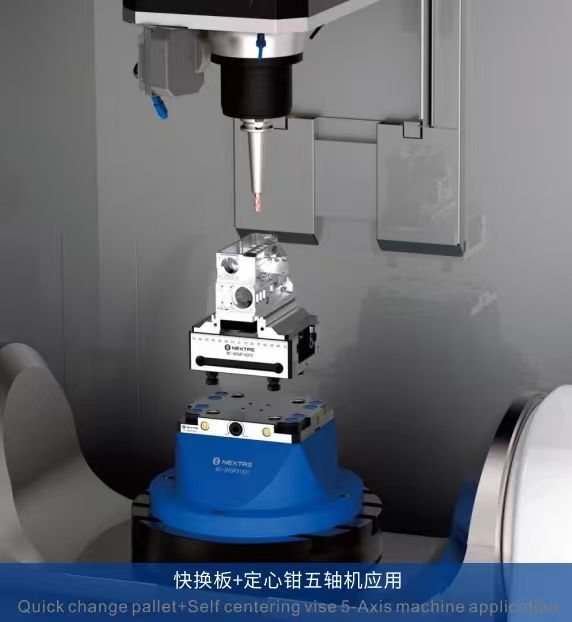
Self Centering Vise
Provides precise centering for various workpiece sizes, ideal for 5-axis machining.
View Details →
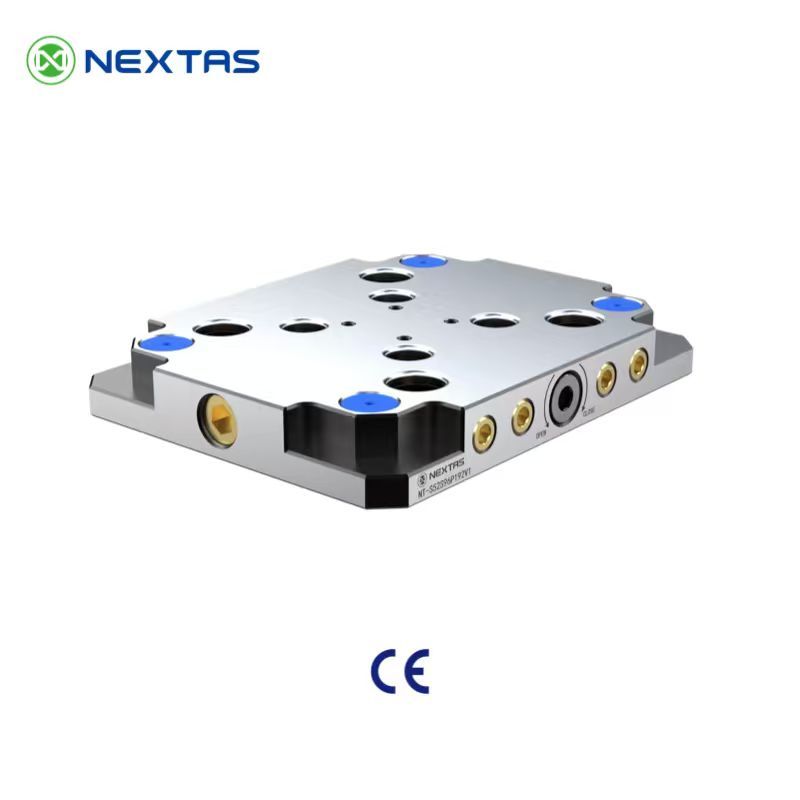
Zero Point Clamping System
Drastically reduces setup times with quick and repeatable positioning for fixtures and workpieces.
View Details →
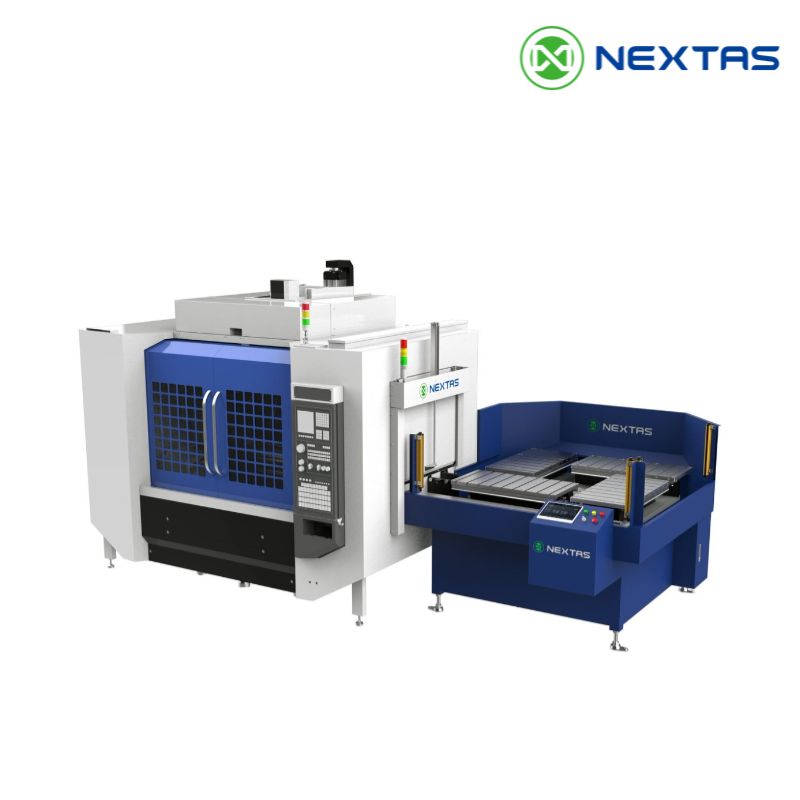
Automatic Pallet Changer
Boosts productivity by enabling unattended machine operation and rapid pallet swaps.
View Details →